Order Block Indicator for TradingView: A Complete Guide for Smart Traders
Institutional zones, why order blocks matter, and how a structured indicator + screener can make your TradingView workflow cleaner and faster.
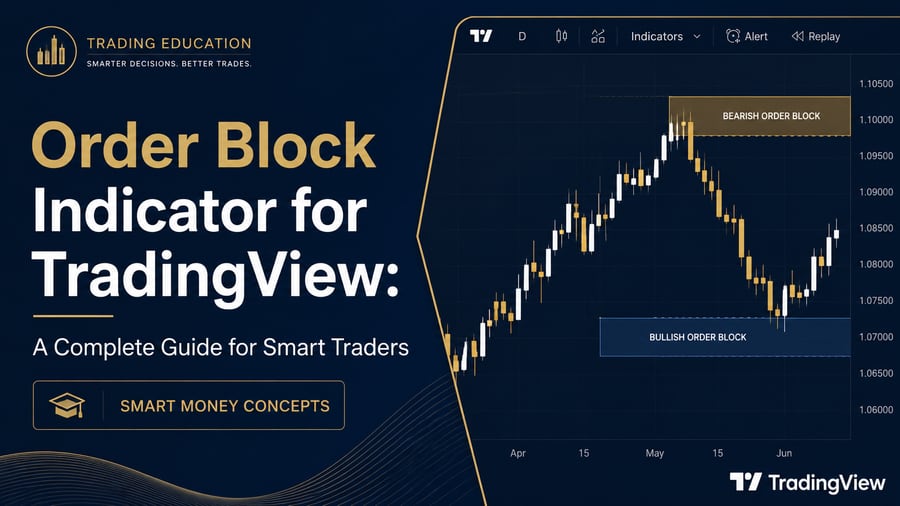
What Is an Order Block Indicator?
An order block indicator automatically highlights price areas where strong buying or selling pressure may have occurred before an impulsive move. In Smart Money Concepts (SMC), these areas are treated as potential decision zones for later retests.
- Bullish order block: last opposing sell area before a strong push up
- Bearish order block: last opposing buy area before a strong push down
The goal is not “magic signals”. The goal is a consistent map of institutional footprints so you can plan with structure.
Why Order Block Trading Attracts Serious Traders
Markets move because of imbalance. When larger participants accumulate or distribute, price often leaves a base and then displaces. Traders watch those bases because price frequently returns to rebalance or continue.
- Clearer risk placement outside invalidation
- Better alignment with higher-timeframe bias
- Less emotional “guess the next candle” trading
Why Use an Indicator + Screener Together
Indicator helps on the chart you already selected. Screener helps you find which charts deserve attention across a Nifty / NSE watchlist.
Together they reduce two common problems: slow manual drawing, and missing setups while hopping through 30–50 symbols.
Read more: SMC Order Block Indicator · Nifty Order Block Screener
Simple Workflow You Can Practise Today
- Mark higher-timeframe bias and active zones
- Drop to your execution timeframe
- Wait for price to return into a quality zone
- Take confirmation only — skip unclear charts
- Define stop, size, and target before entry
Educational content only. Not SEBI-registered investment advice. Trading involves risk of loss.